
Website Maintenance Checklist Every Business Owner Should Follow
A business website can keep loading while important parts quietly stop working. An enquiry form may miss the sales inbox, a payment connection may fail after an update, or a former employee may retain administrator access. Website Maintenance places these checks into a routine, reducing the chance that customers find the problem first.
The work should match the site’s role. A service site and an online store carry different risks, but both need a schedule, defined ownership and a maintenance record. This checklist groups tasks by business impact so urgent checks remain separate from deeper reviews.
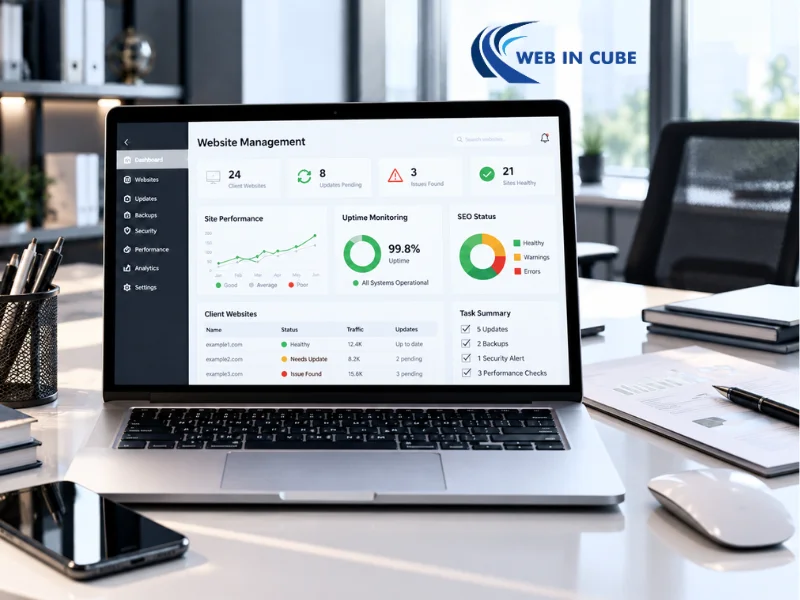
Website Maintenance Checklist by Priority
Priority | What to review | Suggested frequency | Main risk reduced |
Customer-critical | Forms, checkout, bookings, calls and account access | Weekly or more often | Lost leads and sales |
Security-critical | Updates, backups, admin users and security alerts | Weekly to monthly | Data loss and unauthorised access |
Performance-critical | Speed, mobile layouts, errors and hosting resources | Monthly | Poor customer experience |
Content-critical | Contact details, services, pricing, links and policies | Quarterly | Confusion and outdated information |
Business-critical | Domain ownership, licences, recovery plan and platform suitability | Annually | Loss of control and costly disruption |
This should be your starting point for interval testing. The higher the volume of sales transactions and the number of bookings, the more frequent the checks must be.
Check the Parts Customers Use to Contact or Pay You
Begin by identifying the processes that lead to an inquiry, appointment or transaction. Execute the entire process as if you were a client, then check whether messages land in the appropriate mailbox, CRM software, or booking system.
Test the following:
- Contact, quote and consultation forms
- Click-to-call and email buttons
- Appointment and event booking tools
- Shopping cart, checkout and payment options
- Order, booking and enquiry confirmations
- Customer login and password reset functions
Test on desktop and mobile. Record the date and result so recurring failures are easier to trace.
Up-to-date Software Without New Issues
The software, templates, plugins and other related services form the basis of content management systems. While updates might include a fix for security and compatibility, modifying the active site can cause problems.
Use a controlled update process
Before applying an update:
- Back up website files and the database.
- Review major changes and known conflicts.
- Test significant updates in staging.
- Check layouts, forms, menus and integrations.
- Complete the live update during a quieter period.
- Retest the customer journey.
Remove unused themes, extensions and plugins. Replace unsupported software through a planned change.
The Australian Government’s small business cyber security handbook recommends security updates, multi-factor authentication, regular backups and restoration tests.
Make Backups Useful During a Real Emergency
A “backup completed” notice does not prove the site can be recovered. The copy needs the correct data, separate storage and a tested restoration process.
Document:
- Which website files, databases and uploaded media are included
- Where copies are stored and who can access them
- How frequently backups run and how long they are retained
- Whether a separate copy exists outside the main hosting account
- When the last restoration test was completed
Stores and membership sites may need frequent database backups because new records appear throughout the day. Match the schedule to the amount of data the business could afford to lose.
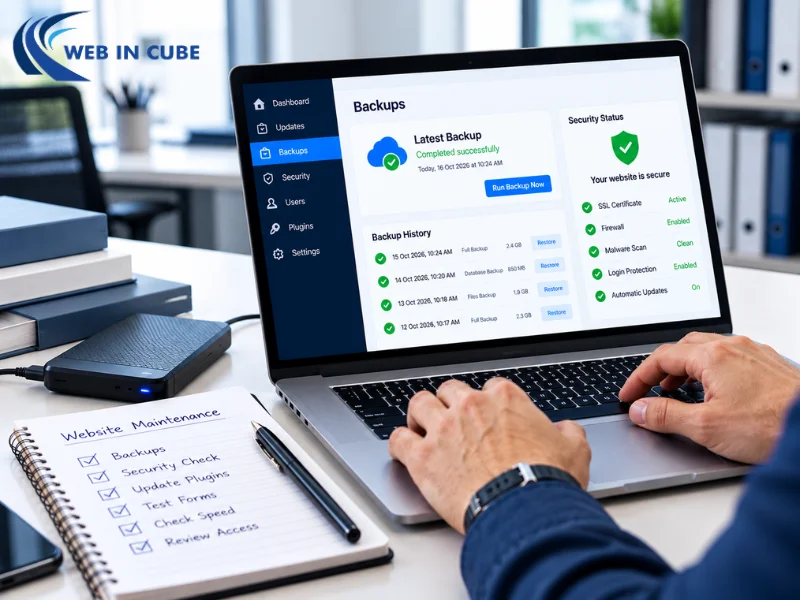
Review Website Security and Account Access
Over time, individuals with job roles, organizations and programmers may be granted access. Permissions outlive projects or roles.
Auditing of the website, hosting and domain accounts must be carried out quarterly. Removal of usernames of past employees and provision of unique usernames with limited rights must be done. The Australian government proposal of limiting and controlling access puts forward the idea of changing permissions as an employee leaves.
Security checks should also cover:
- Valid HTTPS and security certificate status
- Failed login attempts and unexpected administrator accounts
- Unfamiliar files, pages, redirects or pop-ups
- Security alerts from the host or monitoring system
- Forms collecting information the business no longer needs
- Multi-factor authentication for critical accounts
Suspected compromise needs prompt technical attention. Preserve logs that may help identify what happened.
Monitor Speed and Mobile Behaviour
Website performance can decline gradually as videos, tracking scripts and oversized images accumulate.
Review the homepage, key service pages, landing pages, checkout and contact pages. Compare results over time.
Look for:
- Images uploaded at larger dimensions than their display size
- Delayed buttons or forms
- Content shifting while a page loads
- Mobile menus that are difficult to open or close
- Slow product filters, searches or booking calendars
- New scripts loading on pages where they are unnecessary
WebinCube’s guide to technical SEO issues covers crawlability, performance and deeper technical checks.

Keep Business Details, Links and Content Accurate
The information that appears on the site is used to influence customers, which ultimately decides whether they will call, visit, book, or order from you. Confirm that the phone numbers, physical address, hours of operation, prices, available staff, delivery information, policies, etc. are all correct.
The outdated promo offers and dead links must be removed.
Fix broken links properly
There should be no broken links encountered in the customer’s journey. It’s important to ensure that all the links, navigation items, images, PDFs, and external links work. If a particular page is moved to a new location, proper redirecting should be performed for it.
Never conduct redirection to homepage for any dead page. WebinCube’s on-page SEO checklist includes analysis of links, titles, headings and content relevancy.
Check whether:
- Important enquiries and purchases are recorded once
- Test submissions arrive with complete information
- Thank-you pages and confirmation events load correctly
- Integrations are connected to business-owned accounts
- API keys and licences remain valid
- Old tracking scripts can be removed
Record who owns each integration. Connections through former contractors’ accounts become difficult to repair after access expires.
Protect Domain, Hosting and Licence Ownership
Each year, confirm who controls the domain and receives renewal notices. Check hosting, certificates, premium themes and plugins too.
Record:
- Account owner and authorised contacts
- Renewal and expiry dates
- Billing method and invoice location
- Recovery email and multi-factor authentication method
- Support contact and escalation procedure
Use business email addresses for essential accounts and send renewal notices to more than one responsible person.
Know When Maintenance Is No Longer Enough
All routine maintenance does not cover all structural issues. Failure of hardware, unsupported software, and increasing repair costs could be an indication that the platform is unsuitable for business needs.
Review the wider direction when:
- Necessary features cannot be added reliably
- Mobile problems affect several templates
- Security updates break essential functions repeatedly
- Staff cannot update basic content without developer support
- Hosting or plugin costs keep rising without added value
- The customer journey no longer matches the business model
A focused repair may solve an isolated issue. Connected structural and technical problems may justify a planned rebuild. See WebinCube’s guide to website redesign signs.
Assign Responsibility and Keep a Clear Record
Assign one person to manage the schedule, then allocate technical, content and marketing tasks to the right people.
The maintenance log should record:
- Date and task completed
- Person responsible
- Backup taken before the change
- Issue found and action completed
- Testing result
- Follow-up work and deadline
Treat payment failures, security concerns and outages as urgent. Minor content issues can follow the normal queue.
Conclusion
Website Maintenance is considered to be the best method when the process is incorporated into the business documents and is not merely responding to any failure. The work starts with focusing on the processes that are linked to the inquiries and bookings as well as finance. After that, it is necessary to create a maintenance process of updates, backup, access, speed, content, and ownership of an account.
At WebinCube, companies can do website maintenance together with website design, programming, eCommerce, SEO, content creation, social media, and advertising. The first actionable step would be to assign ownership of the process to a certain person and to work on the customer-related items.
Frequently Asked Questions
1. How often should a business website be checked?
Test enquiries, payments and backups weekly. Review software monthly and complete deeper content and access checks quarterly.
2. Should every software update be installed immediately?
Apply critical fixes promptly. Other updates need a backup, compatibility check and post-update test.
3. Are automatic backups enough?
No. Confirm what is included, where copies are stored and whether restoration works.
4. Who should manage website upkeep?
One owner should manage the schedule. Developers handle technical work while internal teams verify business information.
5. When should a website be rebuilt?
A rebuild may suit unsupported software, excessive repairs or a structure that prevents necessary improvements.