
SEO
Rank Higher on Search Engines Through To SEO Agency
What Can We Do For Your SEO Growth?
SEO (Search Engine Optimization)
Reach Your Target Audience With our Best SEO Services
Fortunately, all this can be possible with the one-stop solution — SEO! At Web in Cube we’ve mastered modern SEO strategies, enhancing online visibility while helping businesses of all sizes and shapes to stand out.

- Guaranteed business success by establishing a strong online presence, driving quality and relevant traffic to your website, ranking top keywords on Google's first page, generating more conversions, and maximizing business growth!
- Position your brand at the forefront of customers actively searching for products similar to yours with our comprehensive and custom local SEO services.
Customized Social Media Strategy
We develop a customized social media strategy tailored to your brand goals and target audience. Our approach focuses on content planning, audience engagement, platform optimization, and performance tracking to increase brand awareness, drive meaningful interactions, and generate consistent leads through data-driven social media marketing campaigns.



Engage Audiences With Increased Online Presence
Learn About Our SEO
Strategy
Discover our proven SEO strategies designed to improve visibility, increase organic traffic, and strengthen your online presence through technical optimization, high-quality content, and data-driven growth techniques tailored for sustainable results.
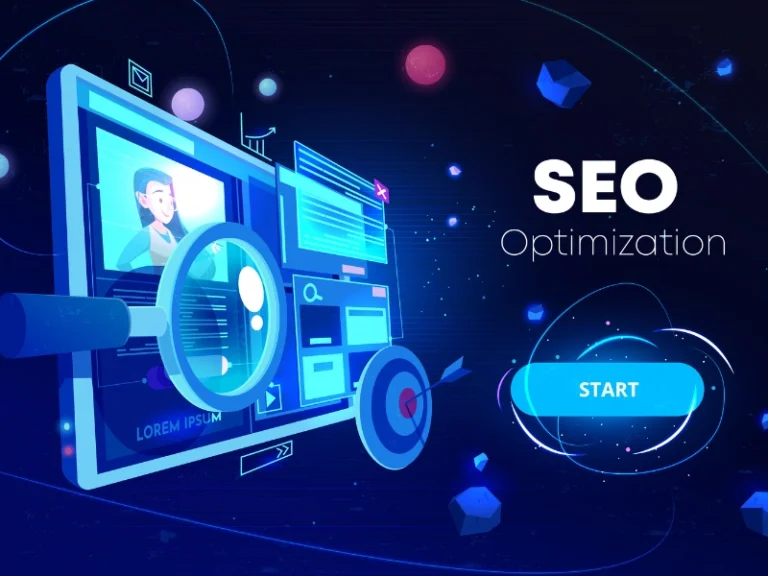
Technical SEO Optimization
We strengthen your website’s technical foundation to help search engines crawl and index pages efficiently. Our strategy focuses on improving website speed, mobile responsiveness, structured architecture, and performance issues, ensuring better user experience, higher visibility, and long-term search engine rankings that support consistent organic growth.
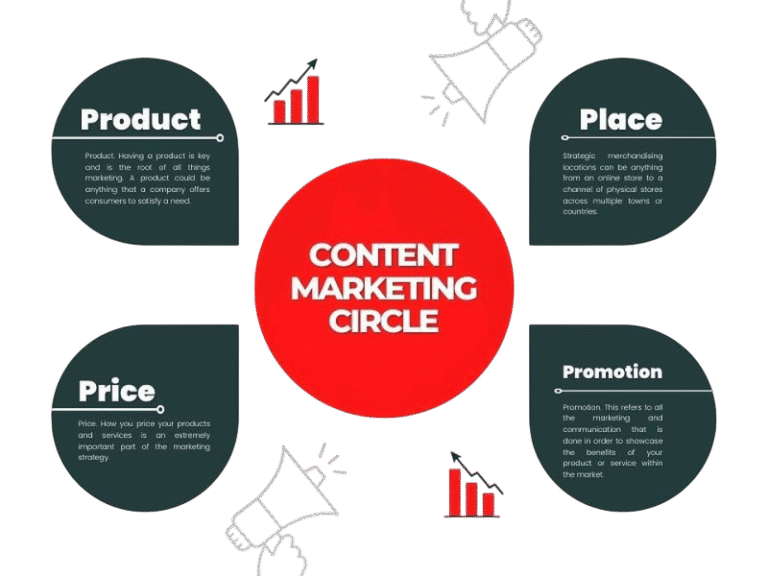
Content & Keyword Strategy
We create targeted, keyword-focused content that aligns with user search intent and business goals. Our strategy includes keyword research, content optimization, and structured page creation to attract qualified traffic, improve engagement, and increase organic rankings across search engines.
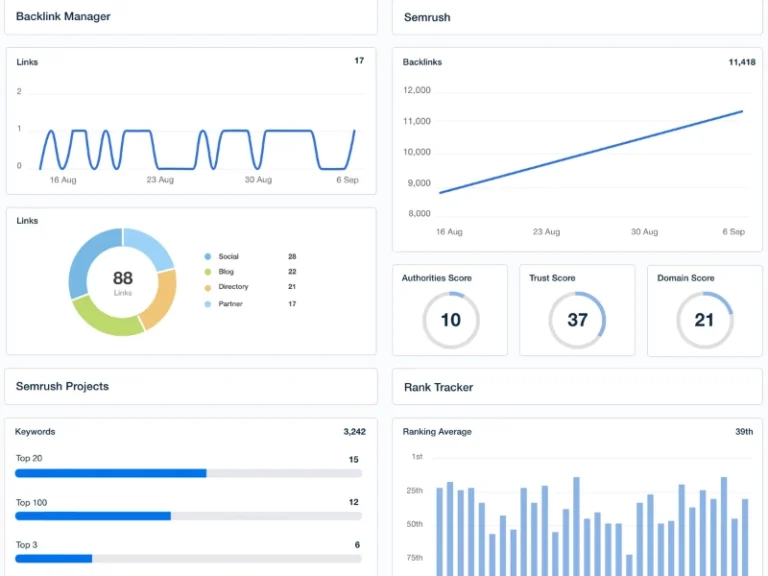
Authority & Link Building
We create targeted, keyword-focused content that aligns with user search intent and business goals. Our strategy includes keyword research, content optimization, and structured page creation to attract qualified traffic, improve engagement, and increase organic rankings across search engines.
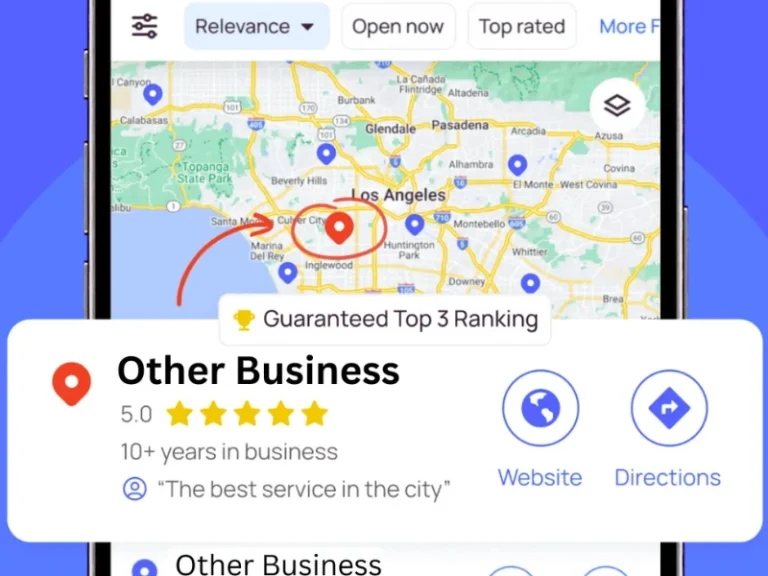
Local SEO & Visibility Growth
We optimize your business for local searches to attract nearby customers actively looking for your services. Our strategy improves Google Business Profile visibility, local rankings, citations, and location-based keywords to increase calls, visits, and qualified local leads.
Performance Tracking & Continuous Optimization
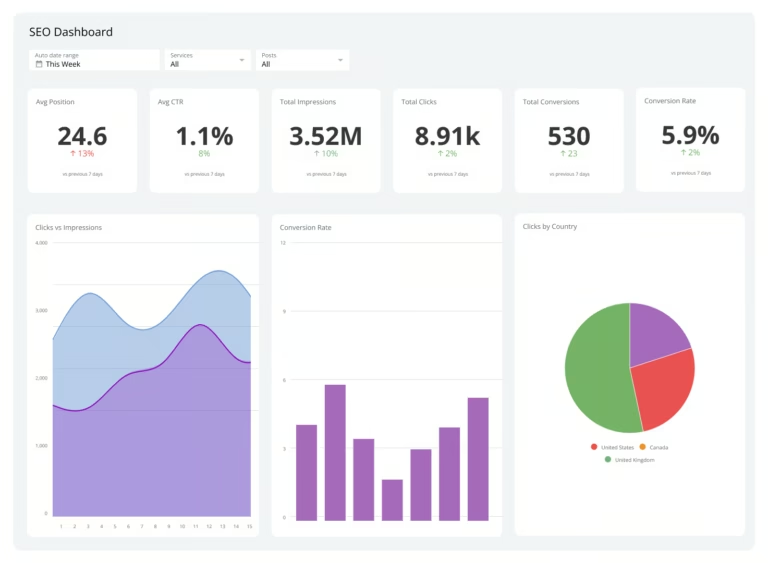
We continuously monitor SEO performance using advanced analytics and data insights. By tracking rankings, traffic, and user behavior, we refine strategies regularly to improve results, maximize conversions, and ensure long-term, sustainable organic growth.

Conversion Rate Optimization (CRO)
We optimize your website to convert visitors into customers. By analyzing user behavior, improving landing pages, and testing design elements, we enhance user experience and increase conversions, ensuring your SEO traffic delivers measurable business results and higher return on investment.
SEO & Marketing Focus
Our team delivers data-driven marketing solutions that strengthen your online presence. We focus on SEO, branding, and performance optimization to attract the right audience, improve engagement, and turn visitors into long-term customers.
We Have Great Answers
Ask Us Anything
SEO helps your website rank higher on search engines like Google, increasing visibility, organic traffic, and potential customers without relying only on paid advertising.
SEO is a long-term strategy. Most websites start seeing measurable improvements within 3–6 months depending on competition, website condition, and industry.
Yes, we optimize website speed, mobile responsiveness, indexing issues, site structure, and Core Web Vitals to improve search engine performance.
Absolutely. Our SEO strategies focus on attracting targeted users who are actively searching for your services, helping convert traffic into qualified leads.
Yes, we conduct in-depth keyword research to target high-intent search terms that drive relevant traffic and improve ranking opportunities.
We optimize your Google Business Profile, local citations, and location-based keywords to help your business rank higher in local searches and maps.
SEO works for almost every industry. We create customized strategies based on your niche, competition, and business goals.
Yes, we provide detailed performance reports including rankings, traffic growth, and optimization progress for full transparency.